360° Content & WebVR
For my 360° VR video, I wanted to create a minimalistic piece that reflects the broader concept I have been developing throughout this assignment. I designed a calm, contemporary living room environment, using it as an opportunity to test and refine my skills in both 3D modelling and texture creation. My intention was to create a space that felt clean, balanced, and realistic, where viewers could experience a sense of focus and order while exploring the scene.
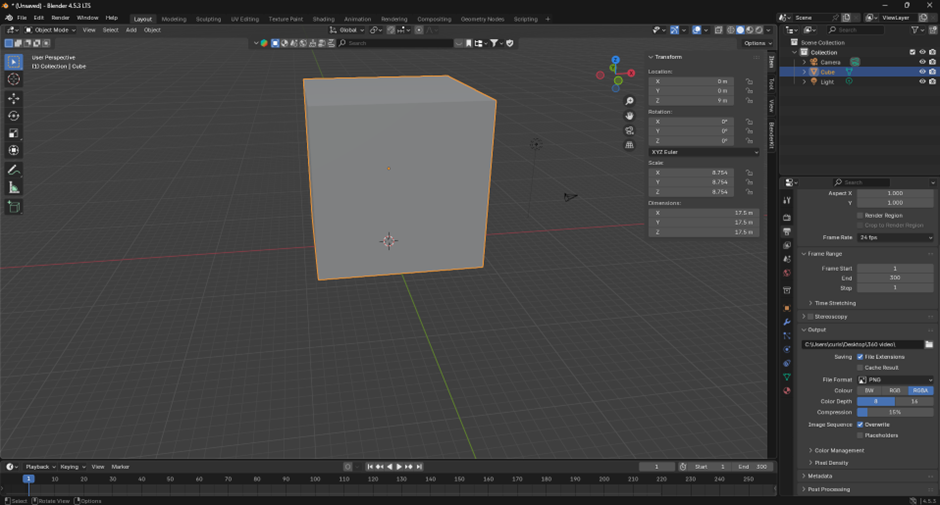
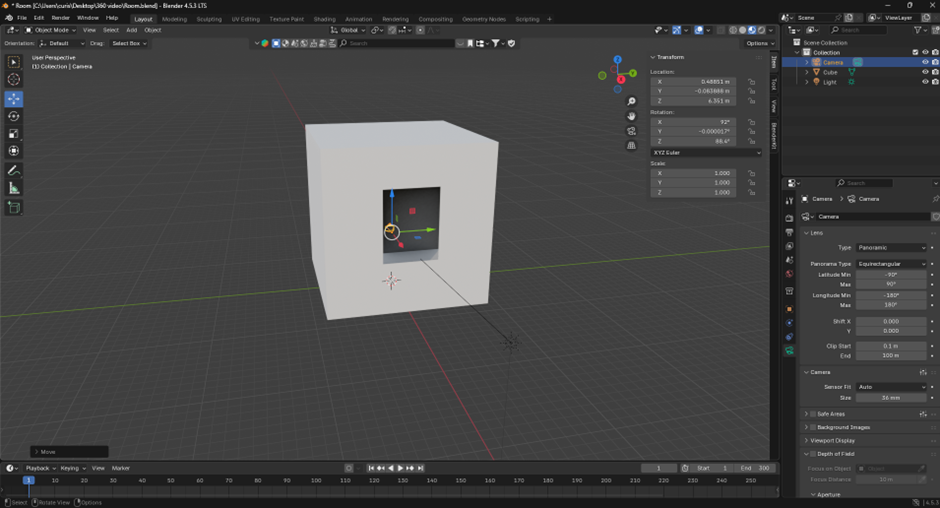
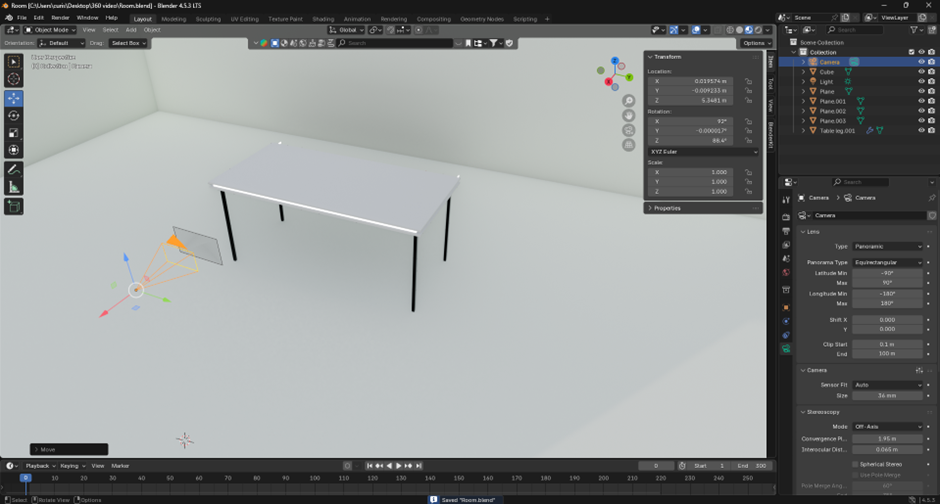
I began by modelling an office desk with a monitor surrounded by a soft lighting bar to give the impression of subtle technological ambience. From memory, I created a computer chair and used Geometry Nodes to develop a detailed leather texture that responded to light naturally. I then modelled a large window, applying a transparent glass material and adding a sky texture so that, when rendered, it appeared as a bright, sunny day. This small touch immediately transformed the atmosphere of the room, introducing warmth and realism.
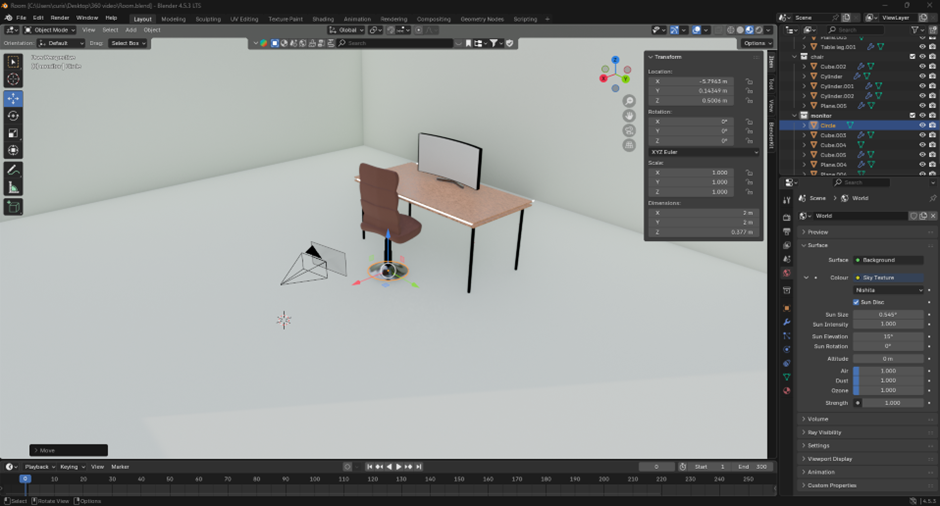
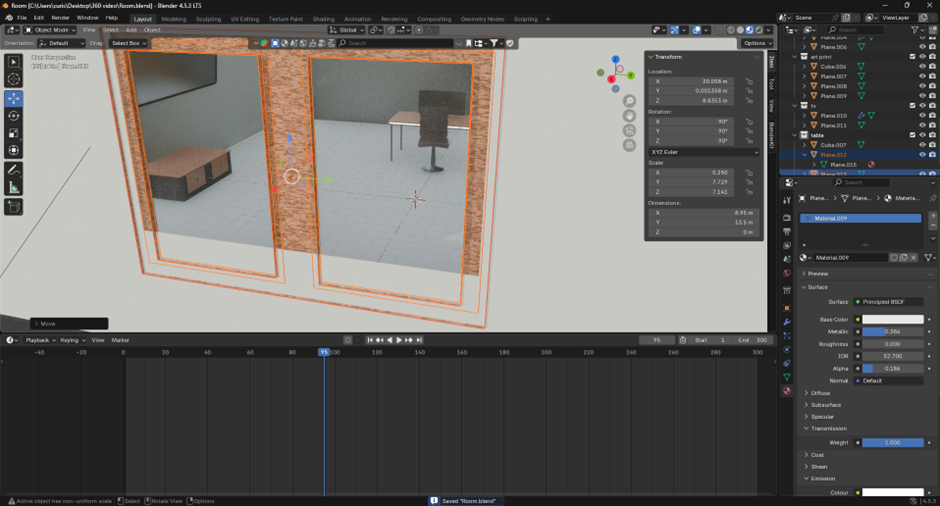
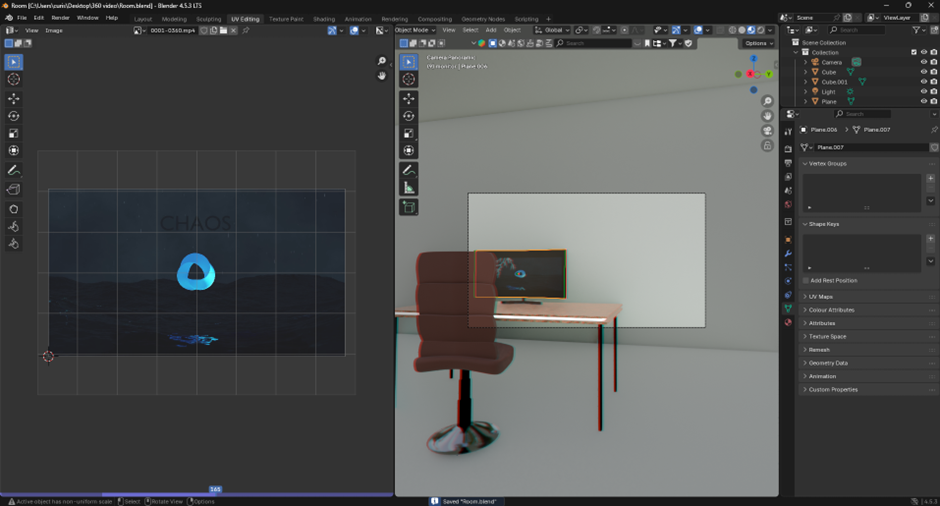
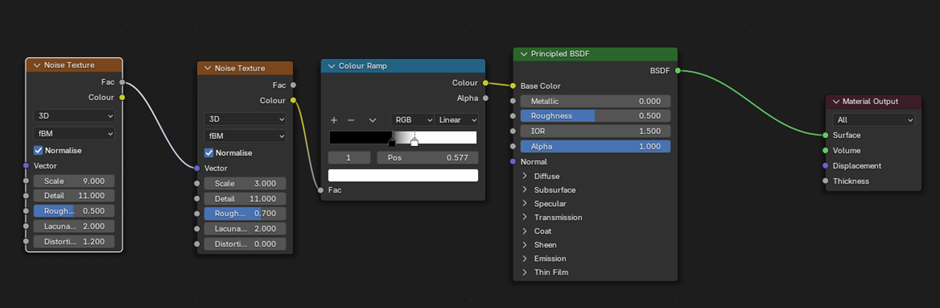
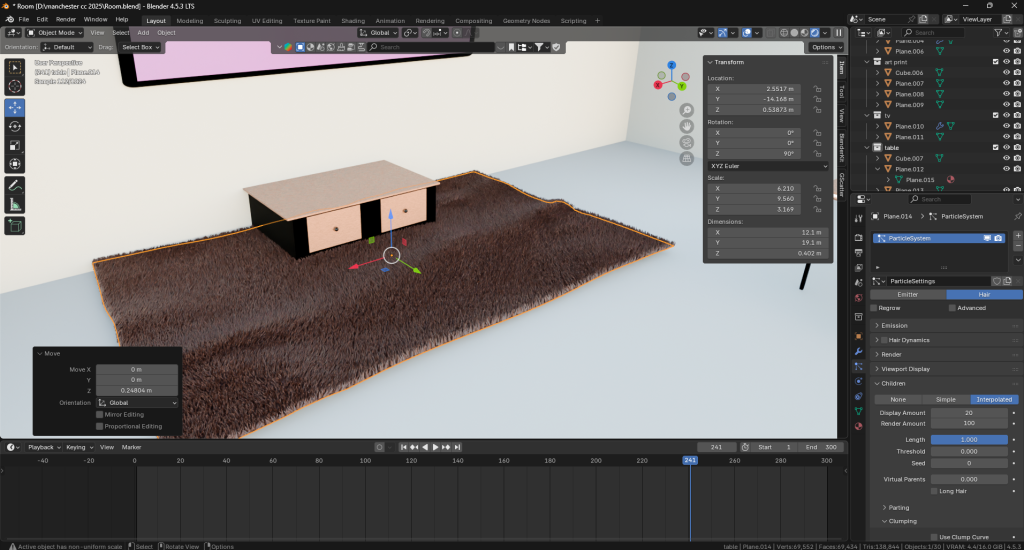
To bring additional depth to the space, I created a white shaggy rug beneath the table using Blender’s hair particle system, which gave the surface a tactile, soft appearance. On the wall, I mounted a flat-screen TV and mapped a looping video I had previously made in After Effects, which cycled through artwork I had designed. I applied a similar technique to the monitor on the desk, embedding another short looping animation I had produced in Blender. These animated elements helped the environment feel alive and gave the illusion that someone had only just stepped away from their workspace.
Placing the 360° camera was a deliberate process. I positioned it at eye level between the desk and the seating area, giving viewers a natural first-person perspective that encouraged exploration of the environment. While exporting, I encountered a few technical challenges. The video initially rendered with the wrong aspect ratio, causing YouTube to upload it as a Short instead of a full 360° video. After researching proper export settings and aspect ratios, I corrected the issue, which was an important learning experience in understanding how 360° media is formatted and published online.
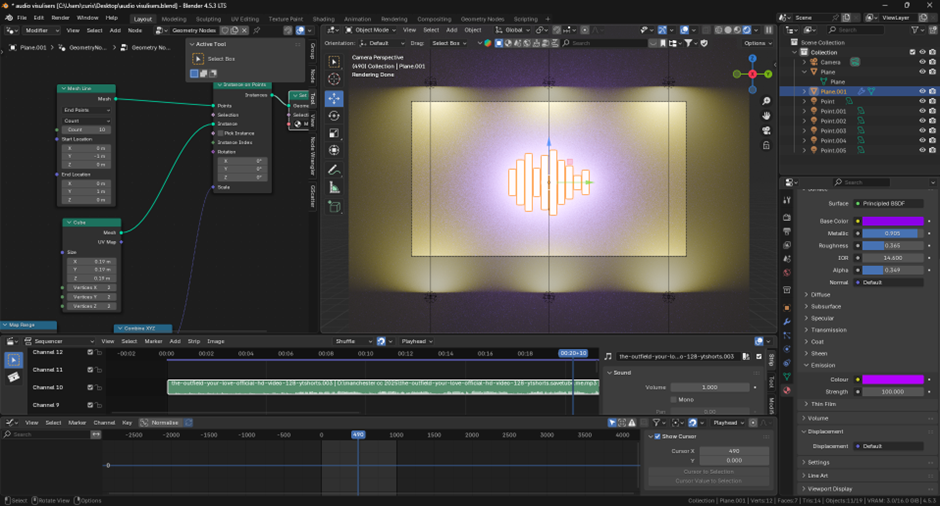
Alongside this, I experimented with an audio visualiser concept using Geometry Nodes. This project allowed me to explore how light, sound, and motion can interact within a 3D environment. I began with a simple geometric form and added emissive materials to create a glowing effect that pulsed in rhythm. Initially, the emission was too strong and overpowered the edges of the object, so I refined it by introducing both front and back lighting. Adjusting the light intensity and colour balance, combining purple and yellow as complementary tones gave the scene a richer, more dynamic visual identity. These small experiments reinforced how crucial lighting and contrast are in shaping the viewer’s emotional response inside VR.
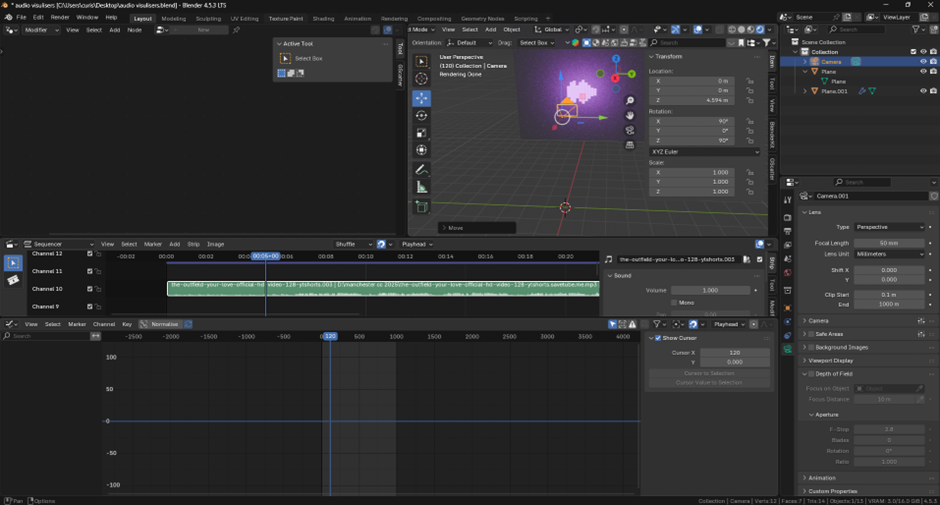
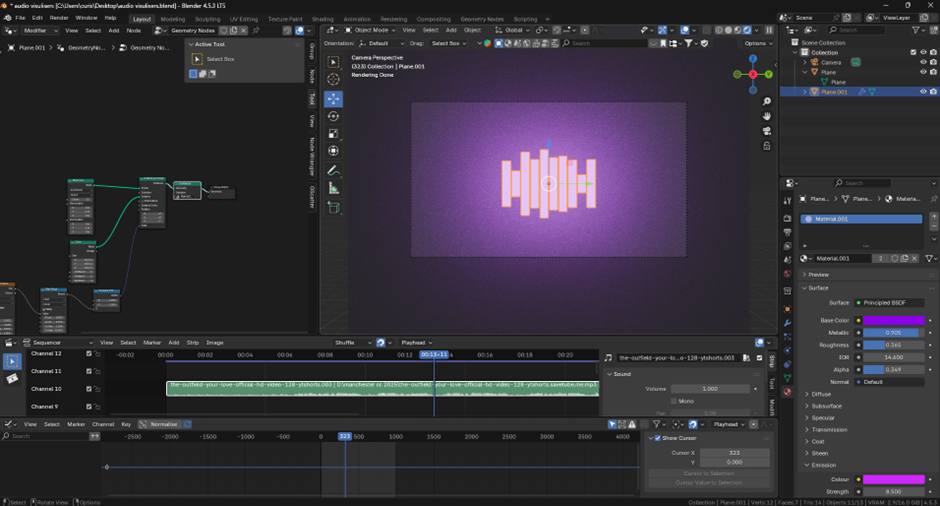
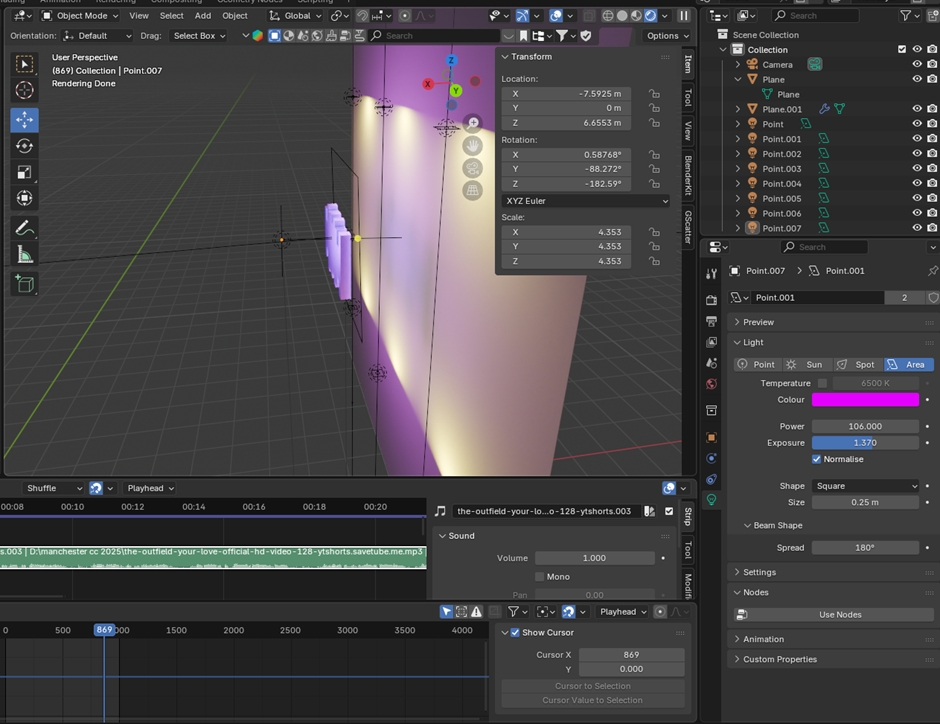
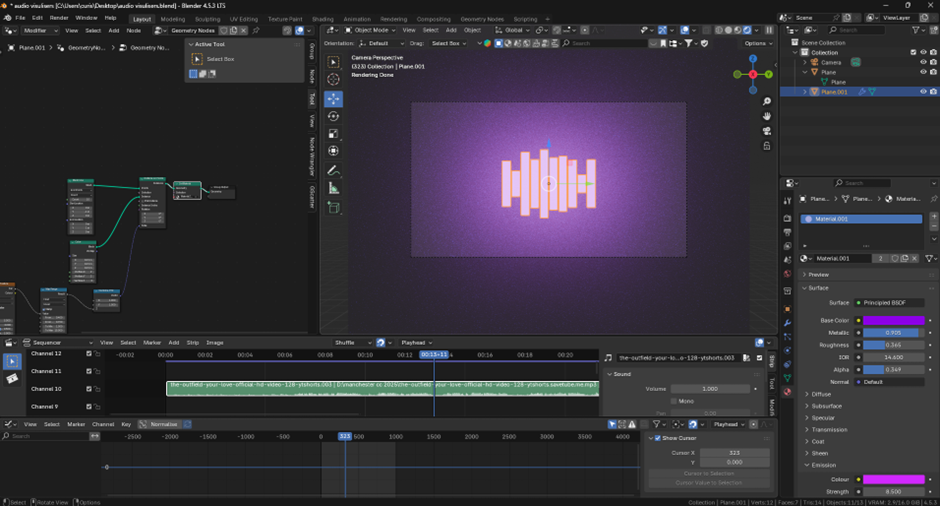
Experimenting with lighting. Part two
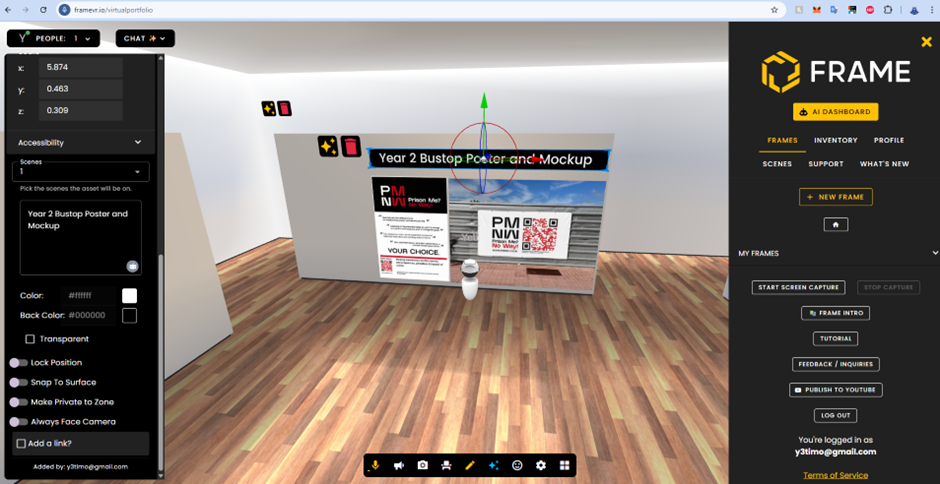
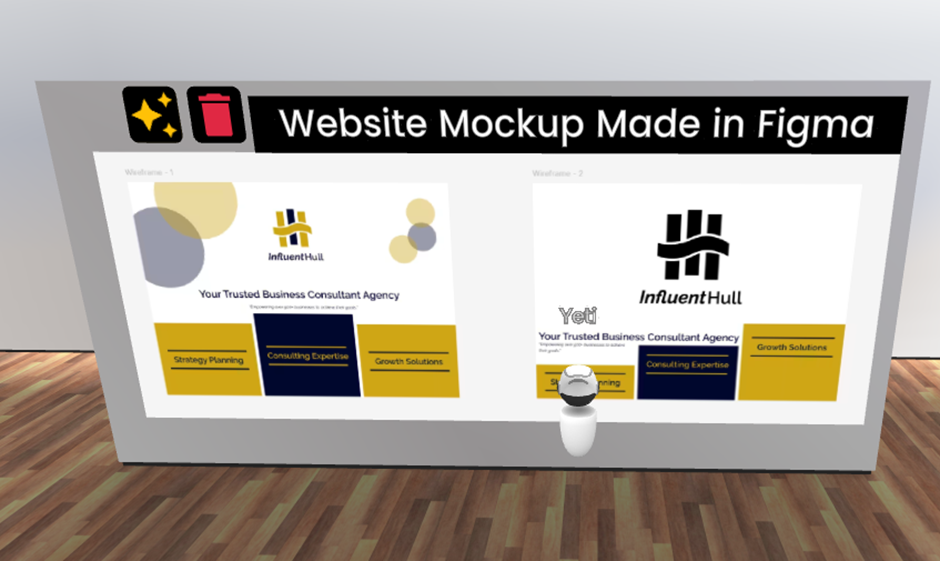
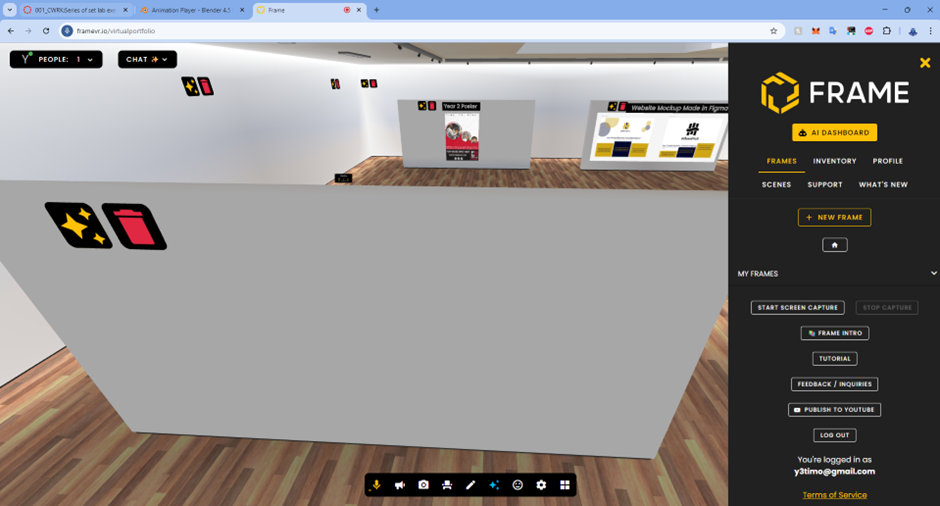
Finally, I used FrameVR to create a modern-style virtual gallery. I placed work from my first and second years of study across the walls to illustrate my artistic development. This digital gallery added a new layer of interactivity and spatial storytelling, as viewers could walk through the space and engage with my portfolio in a more immersive way. I realised that a WebVR environment like this could be a powerful tool for showcasing personal or professional work. It combines accessibility with atmosphere, allowing anyone with a browser or headset to experience a portfolio as a spatial journey rather than a static slideshow.
Through this 360° and WebVR work, I learnt how light, texture, and animation transform not only the look of a scene but also the way it feels to inhabit. It deepened my understanding of how virtual spaces can express personality and narrative, turning a simple render into an experience that invites exploration, curiosity, and reflection.
8th Wall Exercise
I started by following the introductory tutorial for 8th Wall, which helped me understand how augmented reality can be used to merge digital elements with physical space. This first exercise gave me valuable insight into how 3D assets behave in AR environments and how user interactions such as tapping, scanning, or moving the camera influence the experience. From this foundation, I began developing a small personal project that connects to one of my other ongoing assignments. My idea was to create an interactive speech bubble that floats and bounces within the user’s real-world environment. The concept was inspired by the idea of thought and communication; the bubble acts as a visual representation of internal dialogue and shifting focus.
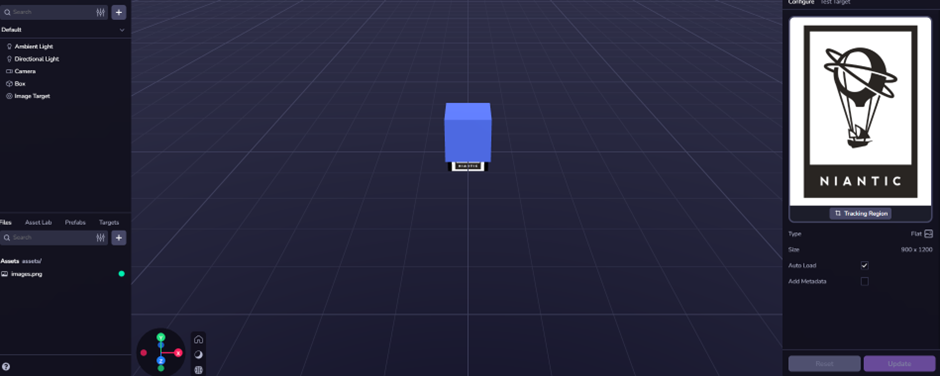
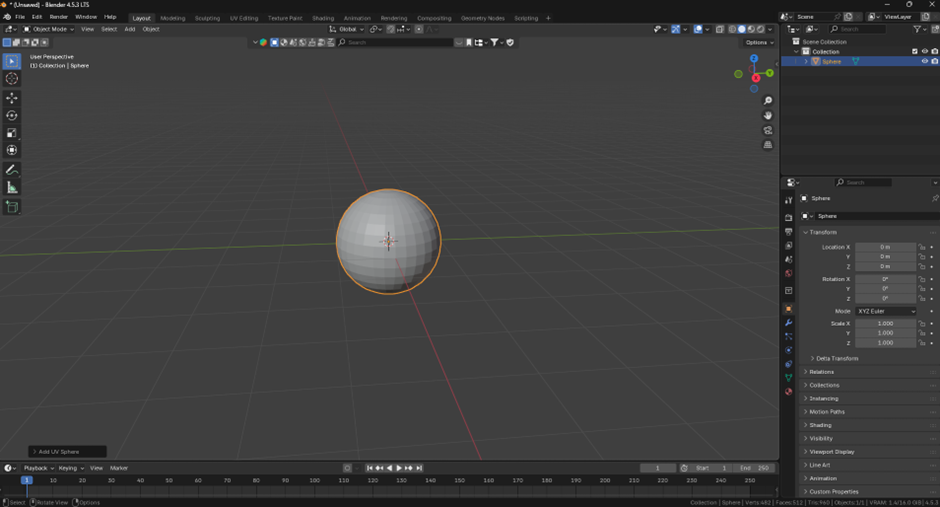
The speech bubble model was originally created and animated in Blender, then exported into 8th Wall as a .glb file. Within 8th Wall, I set up a basic scene where users could tap their screen to trigger the bubble to appear, move, and change its displayed word. Each tap generates a new “thought”, allowing the bubble to become a metaphor for an active, changing mind. This interaction makes use of 8th Wall’s event system, where simple JavaScript functions can control when and how 3D objects respond to user input. In this case, the tap interaction symbolises the user sparking a new idea, while the floating animation represents the transient nature of thoughts.
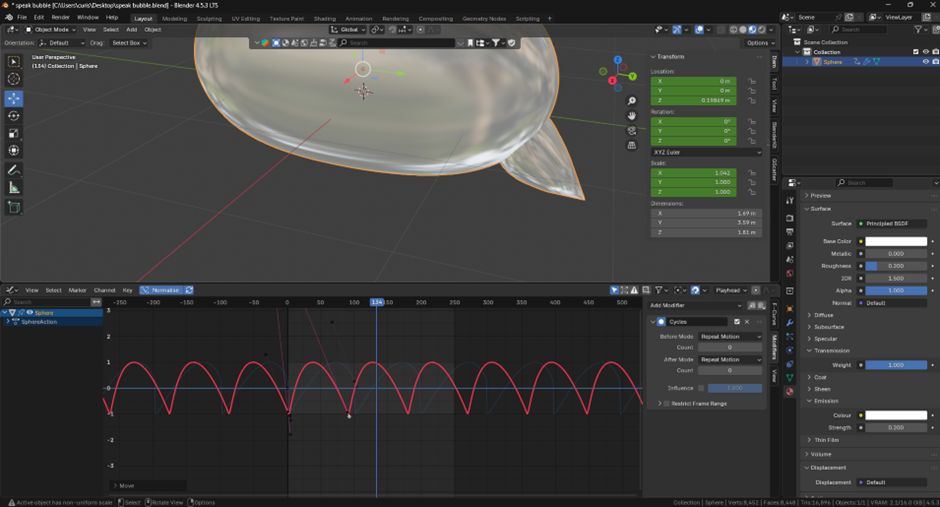
Visually, I chose a soft, reflective material for the bubble and a rounded balloon-style 3D text to make it feel friendly and lightweight. The text gently fades out before changing to a new word, which helps to maintain a smooth, calm rhythm for the user. These small choices were guided by user experience (UX) principles; especially clarity, accessibility, and visual hierarchy. The user should be able to understand what’s happening instantly without any instructions. Using motion and material design helps to communicate this intuitively, creating a feeling of continuity and flow that keeps the experience pleasant and engaging rather than chaotic or confusing.
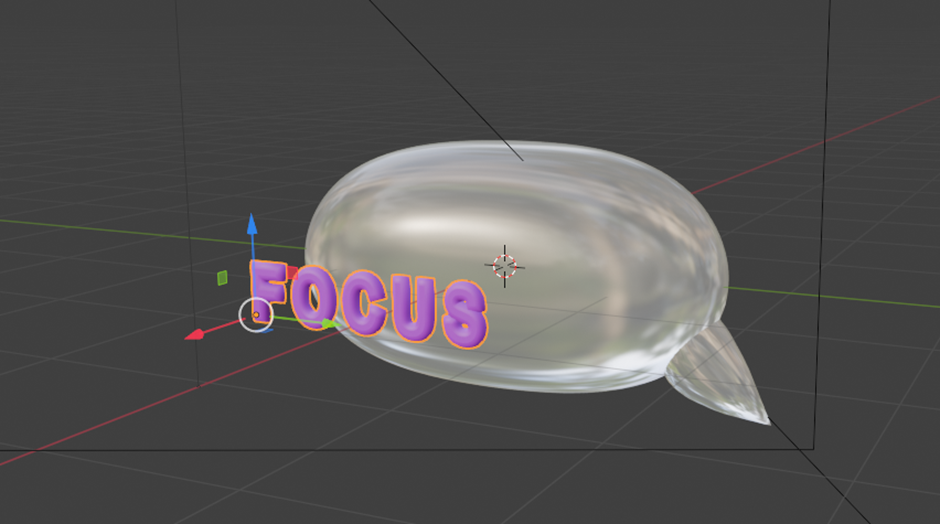
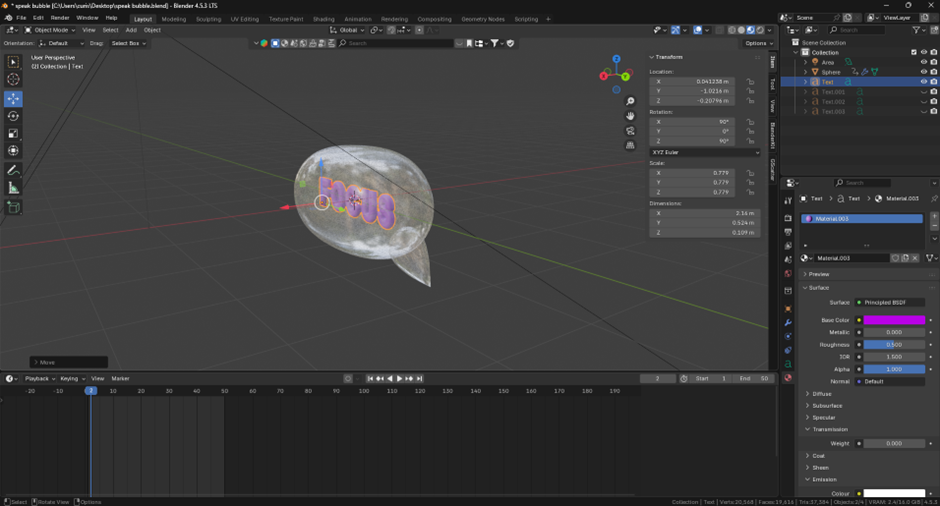
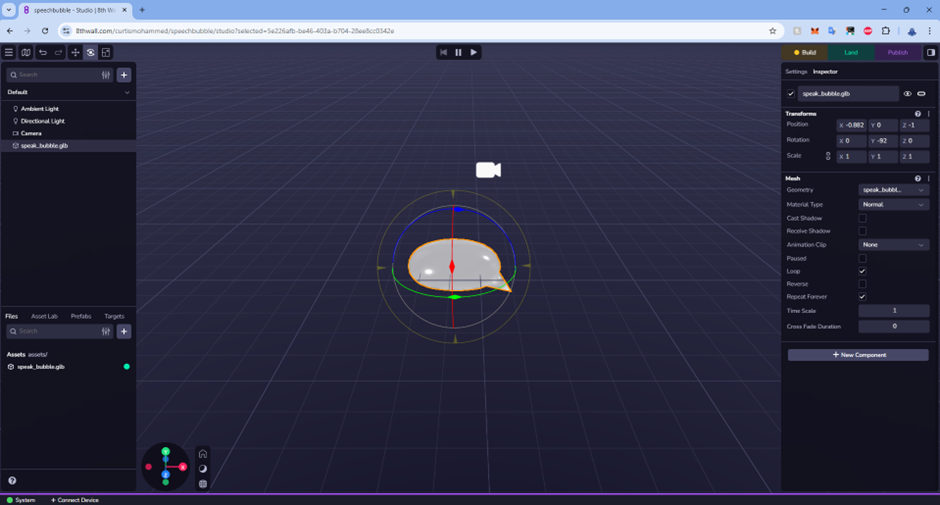
From a UX standpoint, augmented reality offers a unique opportunity for embodied interaction. The user physically moves their device to explore a 3D space, creating a stronger sense of presence than traditional screens allow. I found that the spatial relationship between virtual and real-world elements is a key design consideration. Lighting, object scale, and movement speed all need to feel believable so that users perceive the digital object as part of their environment. In my project, the bubble’s soft shadows and floating motion help achieve that sense of believability.
AR has already become an established tool in areas such as retail, education, and social media. For example, IKEA’s AR furniture placement tool lets users visualise how products fit into their homes, while Snapchat’s filters demonstrate playful, accessible use of AR for self-expression. My small project sits somewhere between these two worlds: it is expressive, interactive, and reflective. If developed further, it could evolve into a mindfulness or mental-health campaign that visualises user thoughts or emotions in real time, encouraging reflection through interactive design. Alternatively, it could become part of an art installation or digital gallery, where visitors create their own “thought bubbles” to fill a shared AR space.
Through this process, I not only learnt the technical workflow of 8th Wall but also how AR can create meaningful experiences that merge emotion, interaction, and spatial design. It showed me that successful AR experiences rely on balancing functionality, interactivity, and aesthetics making the digital feel tangible, and the intangible feel visible.
VR Art and Immersive Storytelling
For the VR art exercise, I really enjoyed exploring creativity beyond traditional drawing. Although I lack strong sketching skills, using Open Brush allowed me to think about form, atmosphere, and space in a more experimental way. Working in virtual reality felt liberating, I could step inside my work and experience it from every angle, which made me think about art as something to be explored rather than simply viewed.
I created a small cabin-like environment with a table, a plate of food, and a stone firepit. I added subtle animation to the fire so that smoke and embers moved naturally, giving the space a sense of warmth and life. Even with simple shapes, these touches of movement created emotion and story. The cabin could feel peaceful or lonely depending on how the user interpreted it.
Before that, I sketched a basic, child-like car drawing, which made me realise how easily a simple idea could evolve into a hyper-realistic model in 3D. This highlighted VR’s power to bridge imagination and reality, allowing artists to turn basic concepts into immersive, emotional scenes.
Working in 3D space was challenging at first. Understanding scale, distance, and composition from inside the headset took practice, and the act of drawing with hand movements made the process surprisingly physical. However, this sense of motion made me more aware of how users engage emotionally through space, gesture, and light. If I were to develop this further, I would expand the cabin into a narrative environment, perhaps a calm interior representing focus and order, contrasted with a chaotic exterior world. The project helped me see VR as more than a visual tool: it is a way to design emotional architecture, where users experience mood and meaning through light, sound, and interaction.
References:
YouTube. Easy MUSIC VISUALISER in Blender! [online video], 2021. Available at: https://www.youtube.com/watch?v=f4I3O85STFY [Accessed 27 October 2025].
Pokémon GO Wiki. Niantic Birthday Event. [online] Fandom. Available at: https://pokemongo.fandom.com/wiki/Niantic_Birthday_Event [Accessed 28 October 2025]. pokemongo.fandom.com
ClipartMax. Niantic-logo – Niantic Labs. [online] Available at: https://www.clipartmax.com/middle/m2H7Z5i8b1b1Z5G6_niantic-logo-niantic-labs/ [Accessed 28 October 2025]. clipartmax.com